Inventory Operations Import/Export
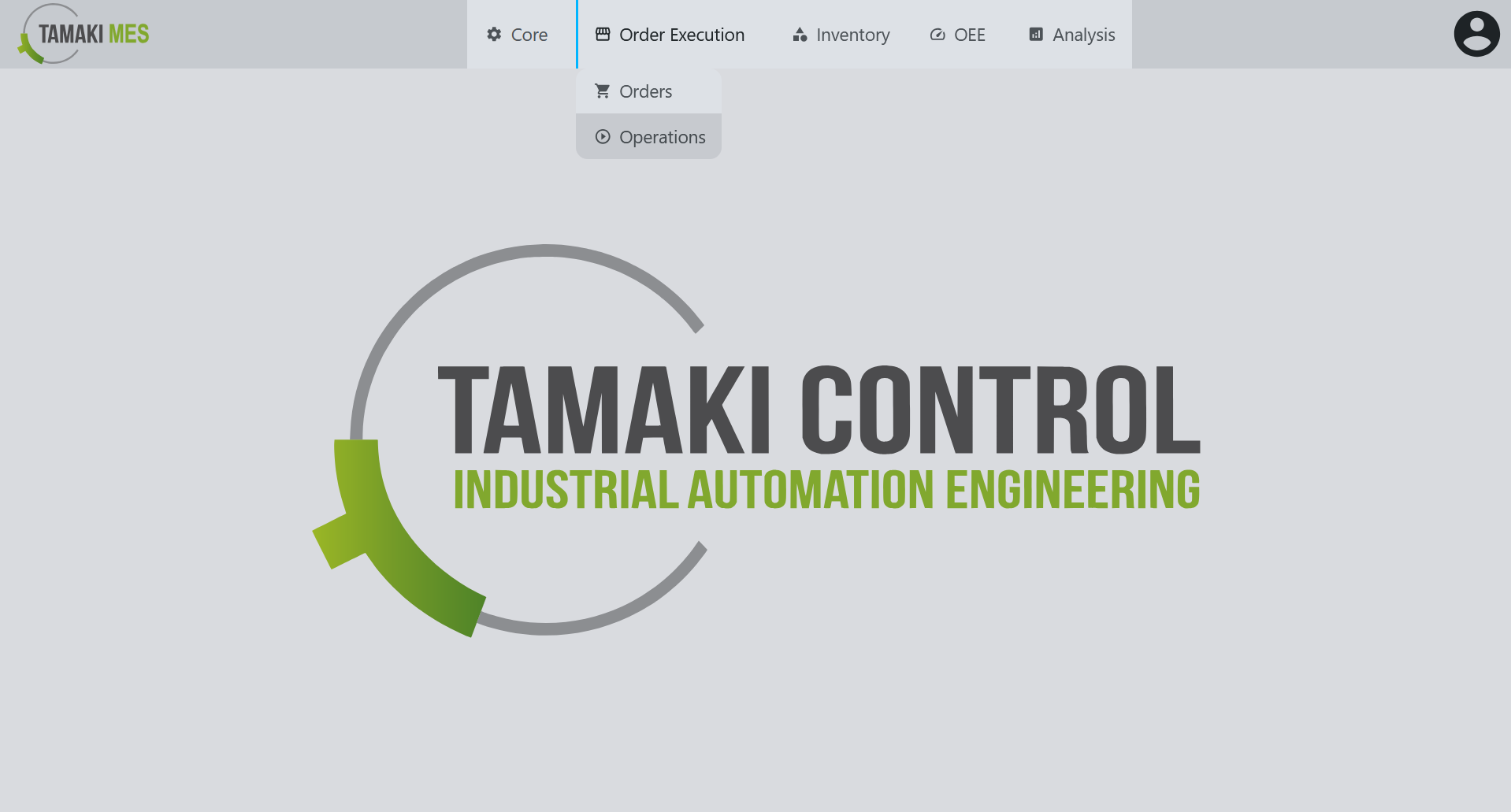
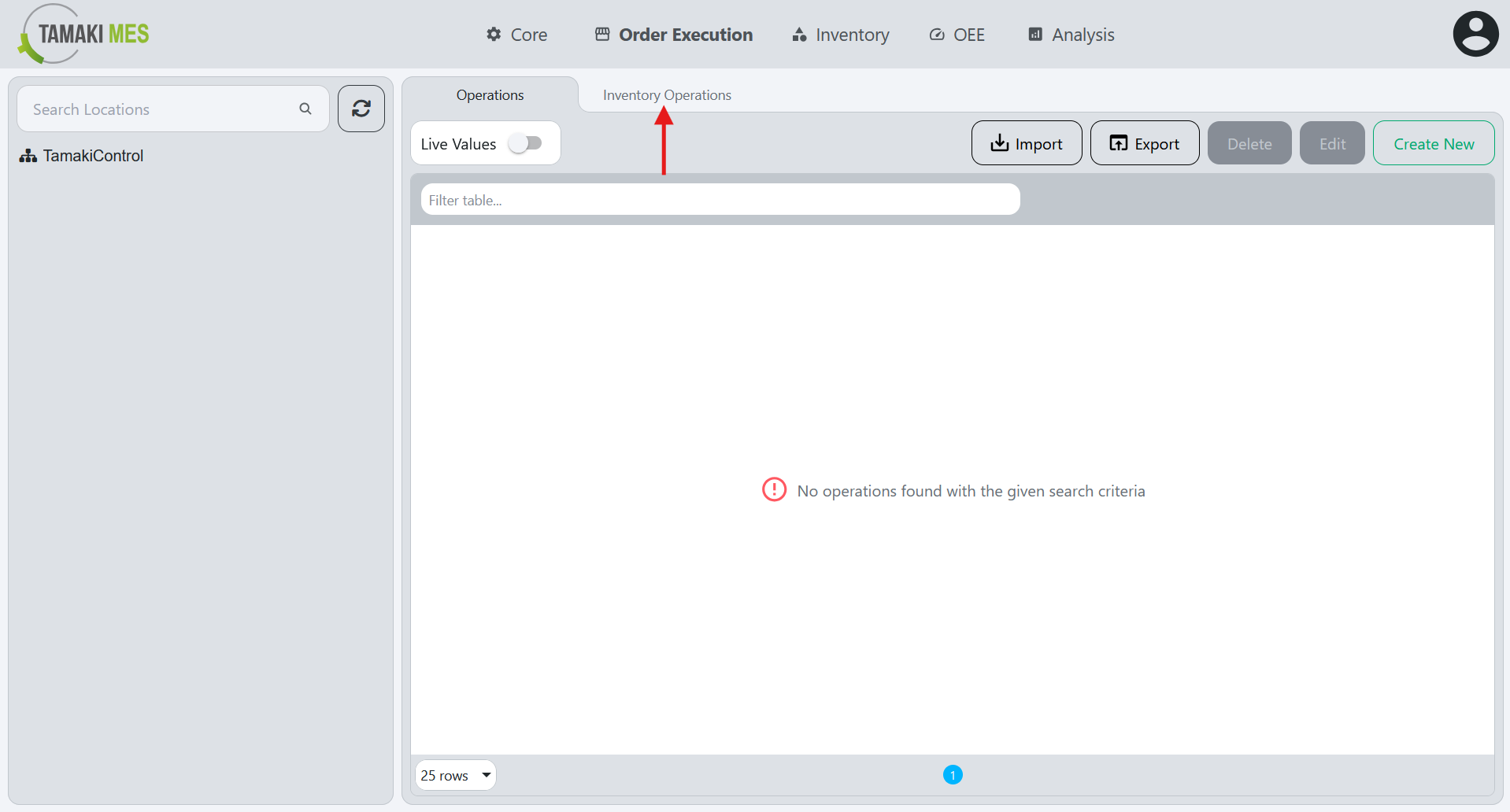
Navigation:
Importing Inventory Operations
How to use:
-
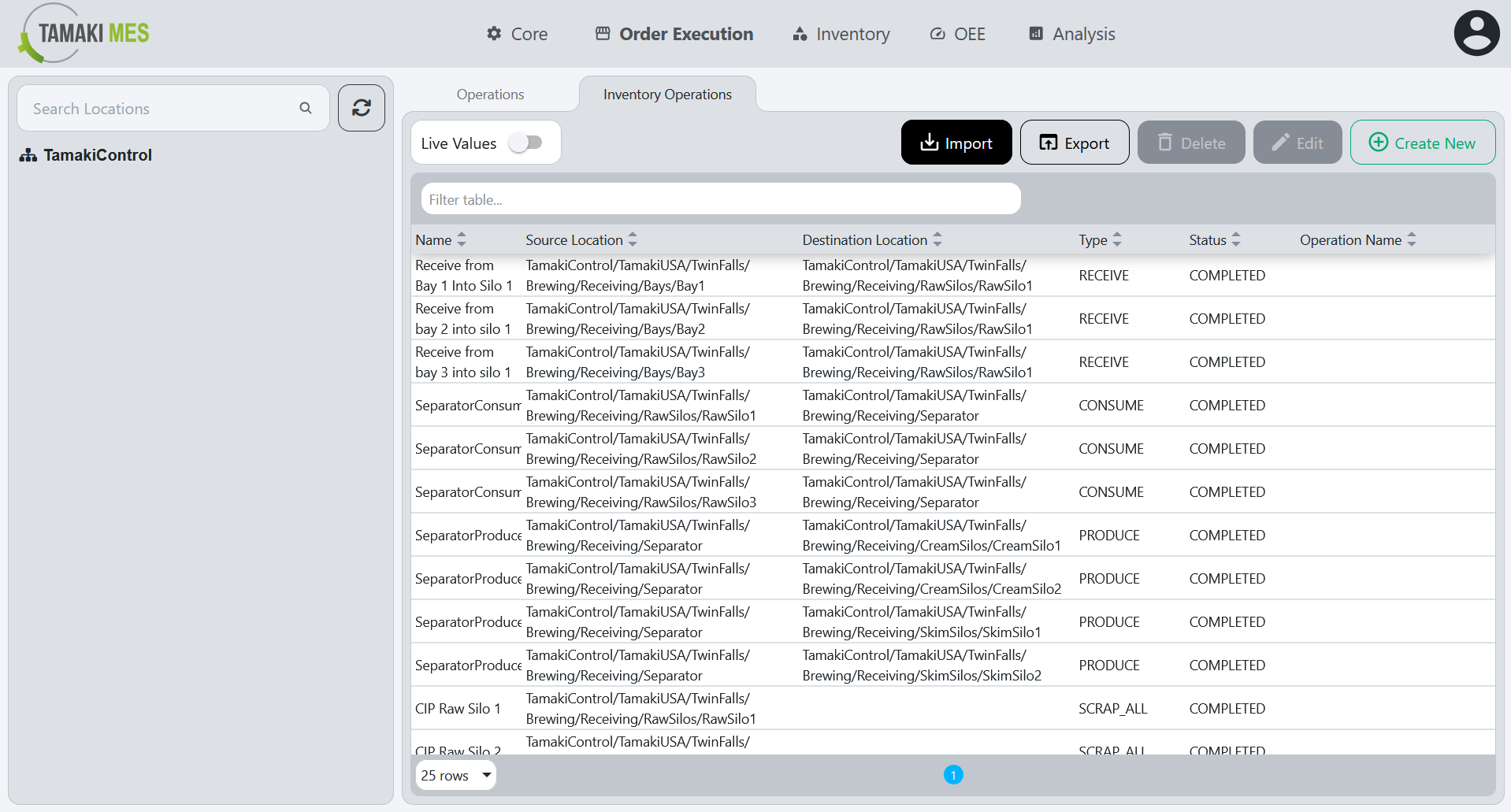
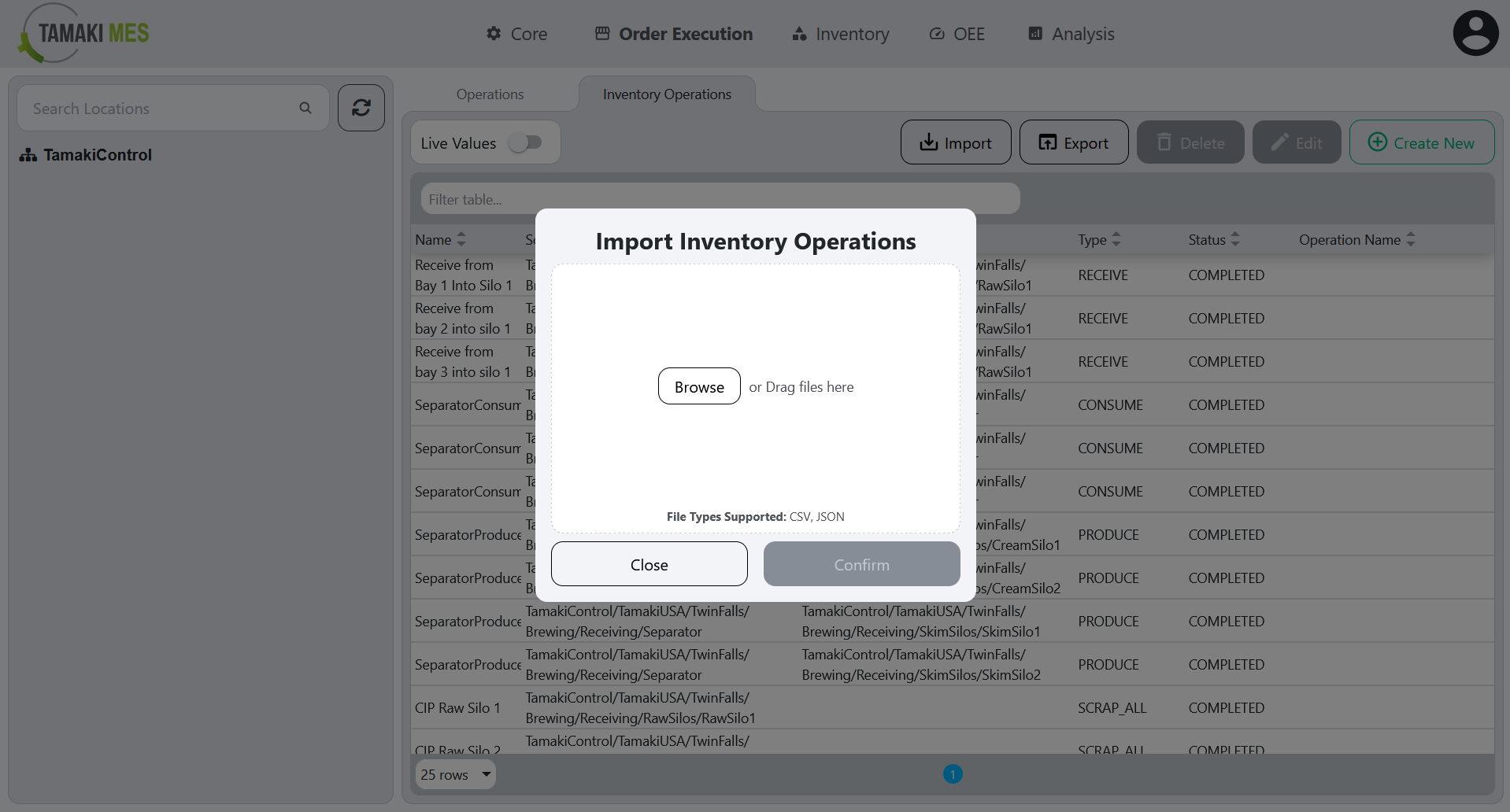
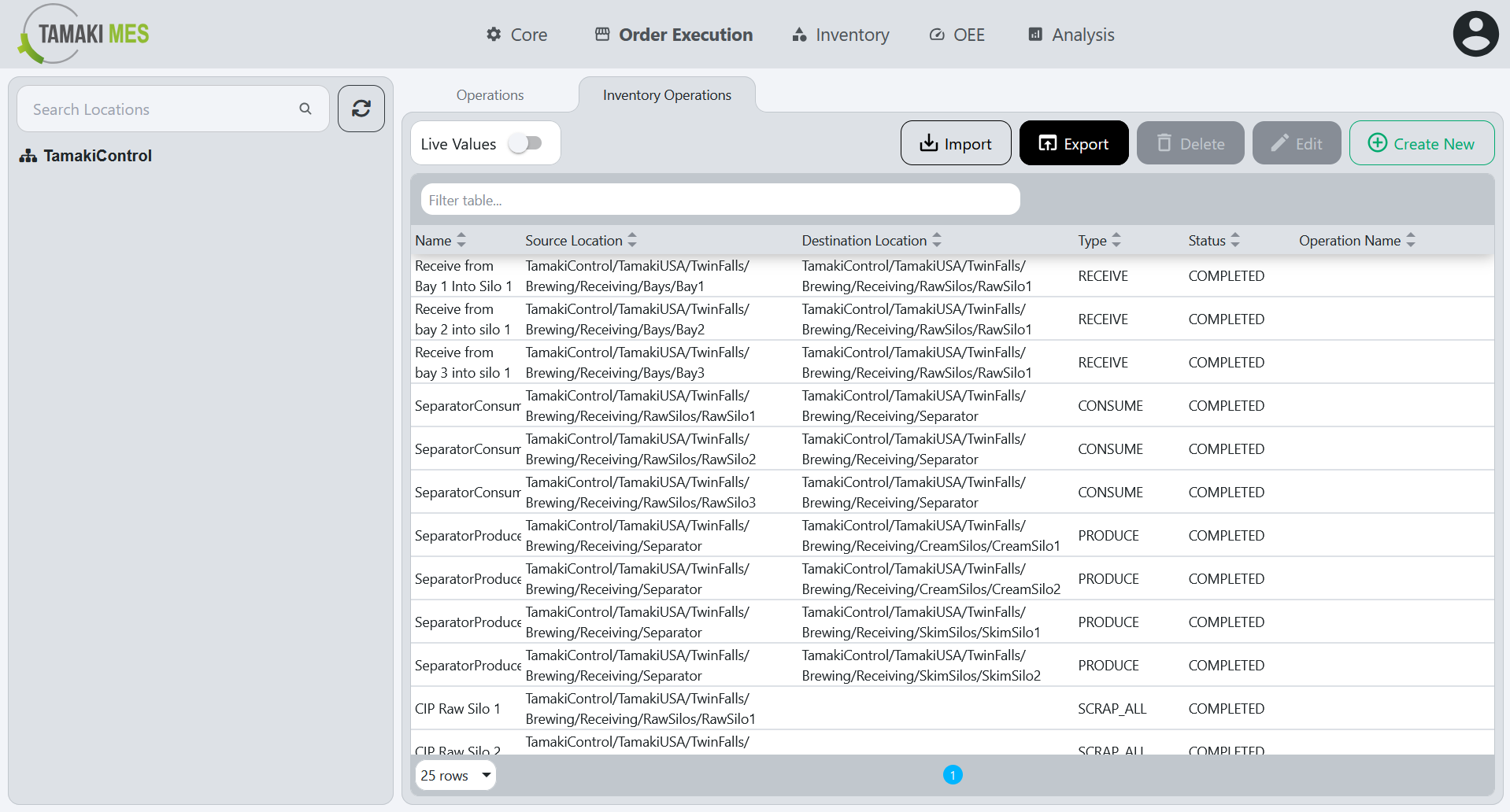
To import inventory operations, press the import button and add a CSV or JSON file to the file upload field. Then press the confirm button.
-
It is recommended to export at least one pre-existing inventory operation to CSV to ensure the correct format of the CSV file.
Import Behavior:
- When importing, the system checks whether an inventory operation already exists given the inventory operation name, source and destination location path and the operation type. If a match is found, the existing inventory operation is modified, otherwise a new inventory operation is created.
Exporting Inventory Operations
How to use:
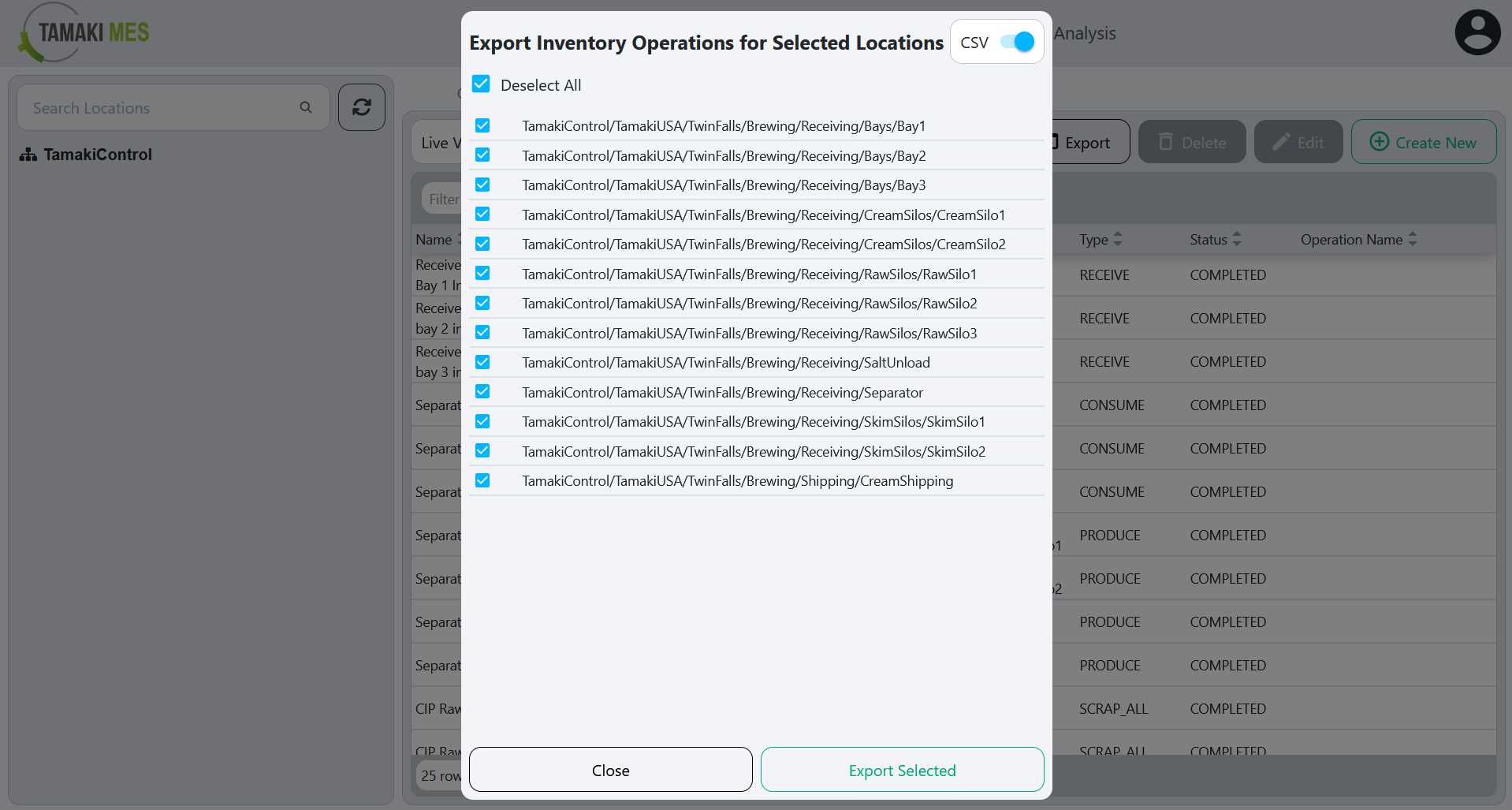
- To export inventory operations, press the export button and select the locations associated with the inventory operations you'd wish to export. Then press the export selected button.