Entity Restore/Backup
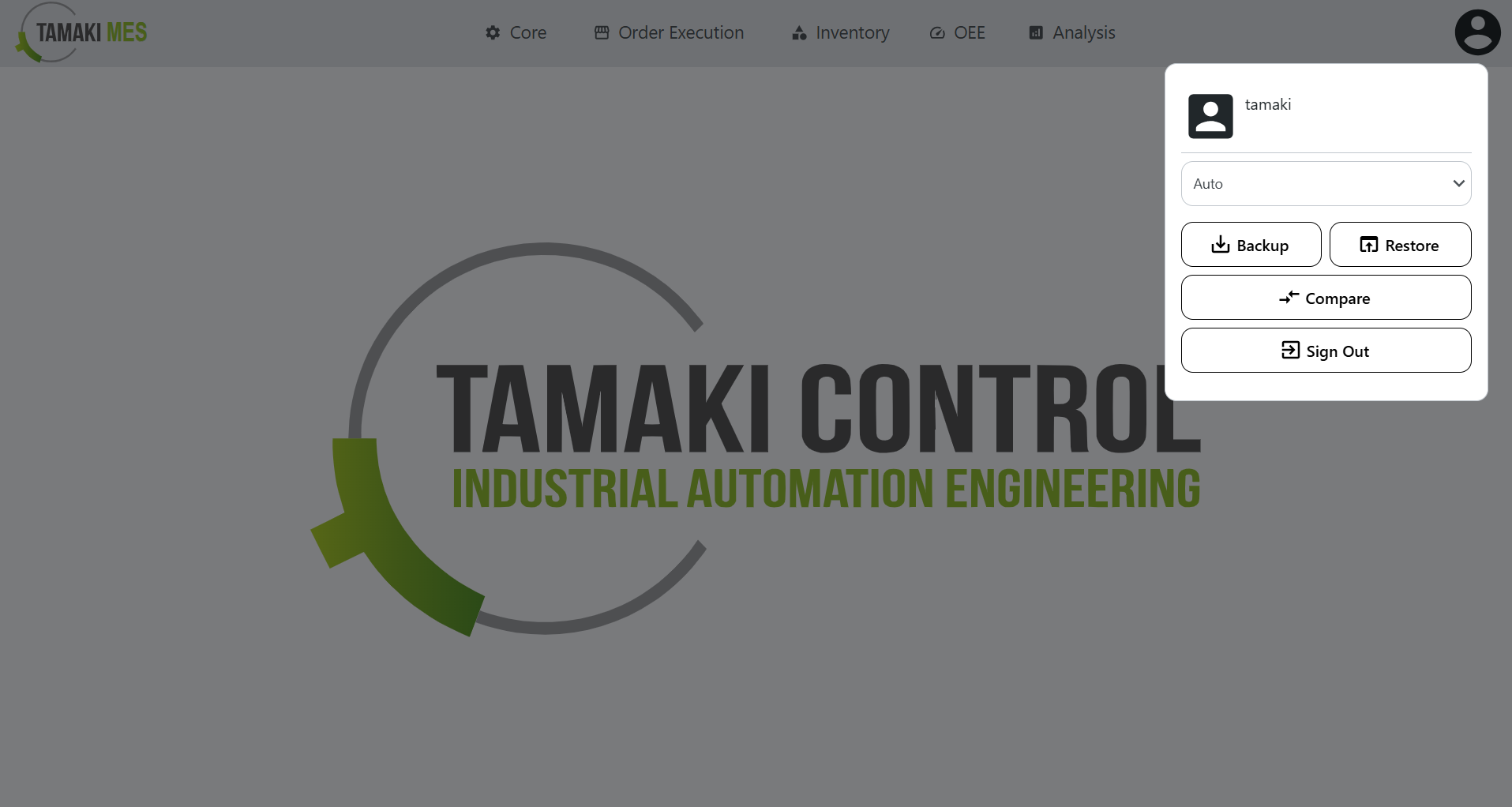
Navigation:
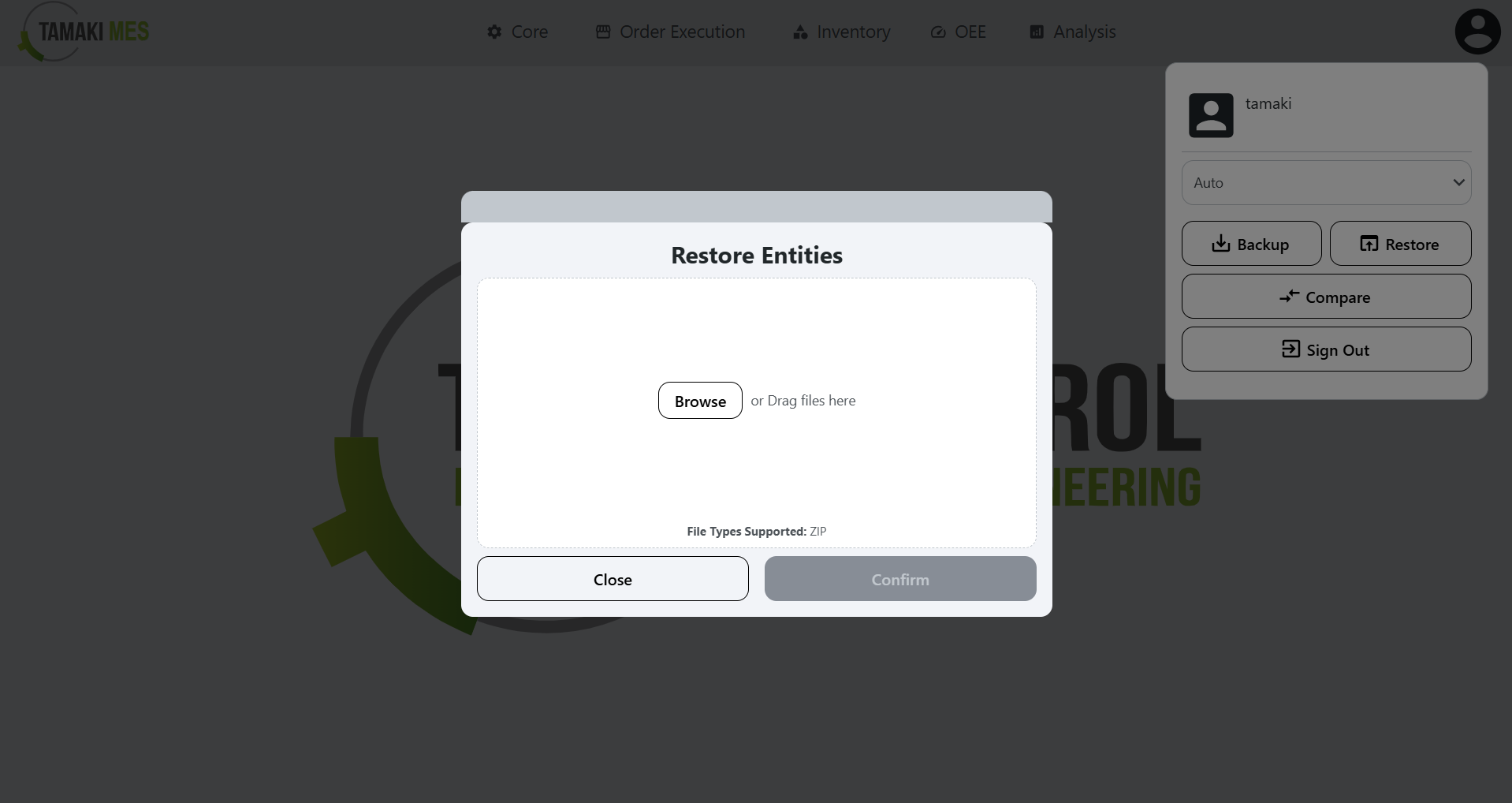
Restore Entities
How to use:
-
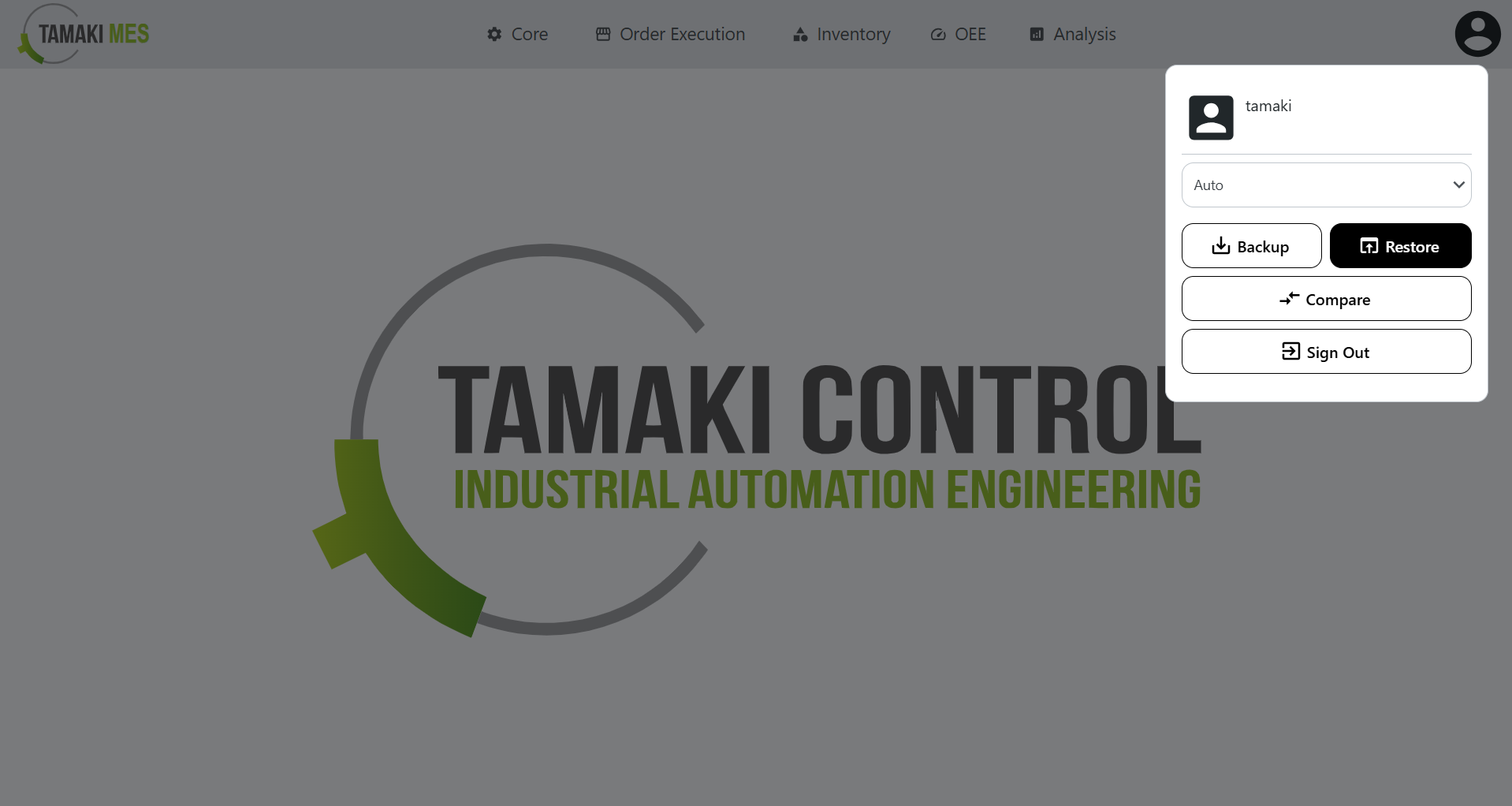
To import entities, press the user icon at the top right of the page and press the restore button.
-
Add a ZIP file to the file upload field. Then press the confirm button.
-
It is recommended to use files created from the entity backup popup to ensure correct ZIP file format.
Import Behavior:
- When importing, the system checks whether an entity already exists. If a match is found, the existing entity is modified, otherwise a new entity is created.
Backup Entities
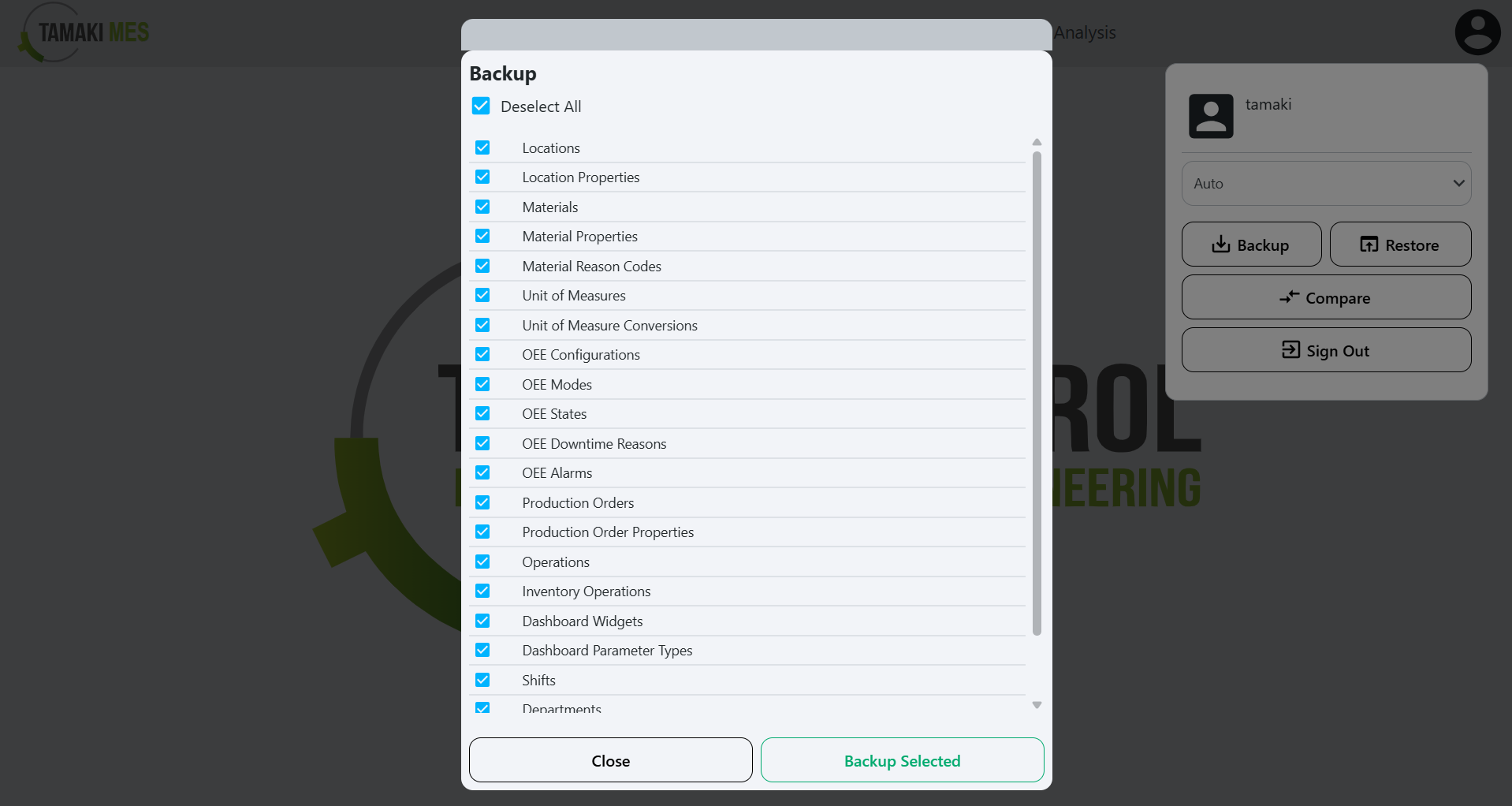
How to use:
-
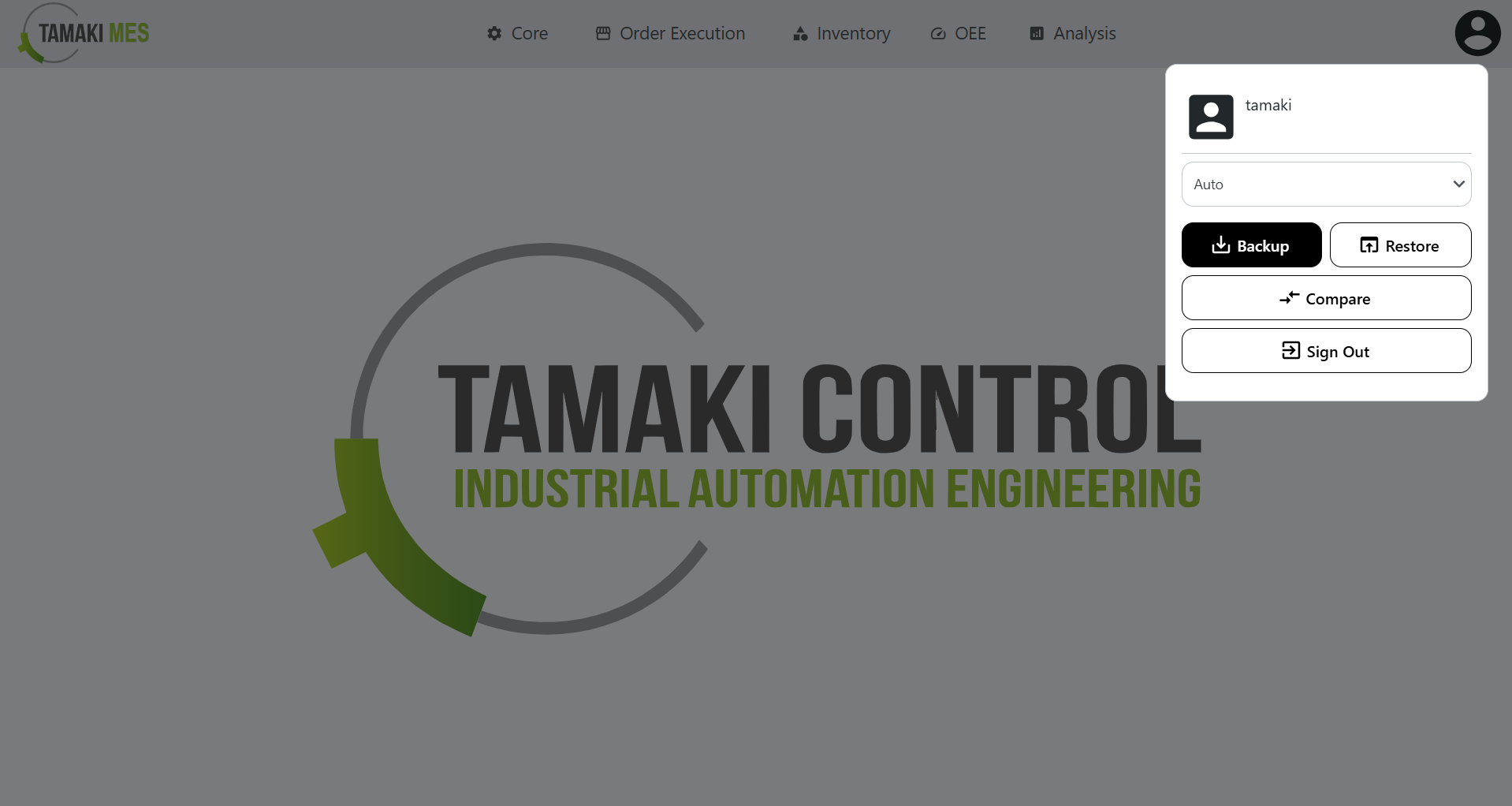
To export entities, press the user icon at the top right of the page and press the backup button.
-
Select the entities you wish to backup. Then press the backup selected button.