Product Modules
Tamaki MES ships as a single Ignition module, but it is licensed as a Core Platform plus a set of optional product modules. You always start with the Core Platform, and you add the product modules your operation needs. The module's runtime behavior and Script API methods unlock based on which product modules your license grants.
Current pricing and availability is on the Tamaki Software pricing page. This page describes what each product module actually does and points to the user guide where you can dig deeper.
Core Platform
The foundation that every Tamaki MES deployment installs. Every other product module assumes the Core Platform is present.
What you get:
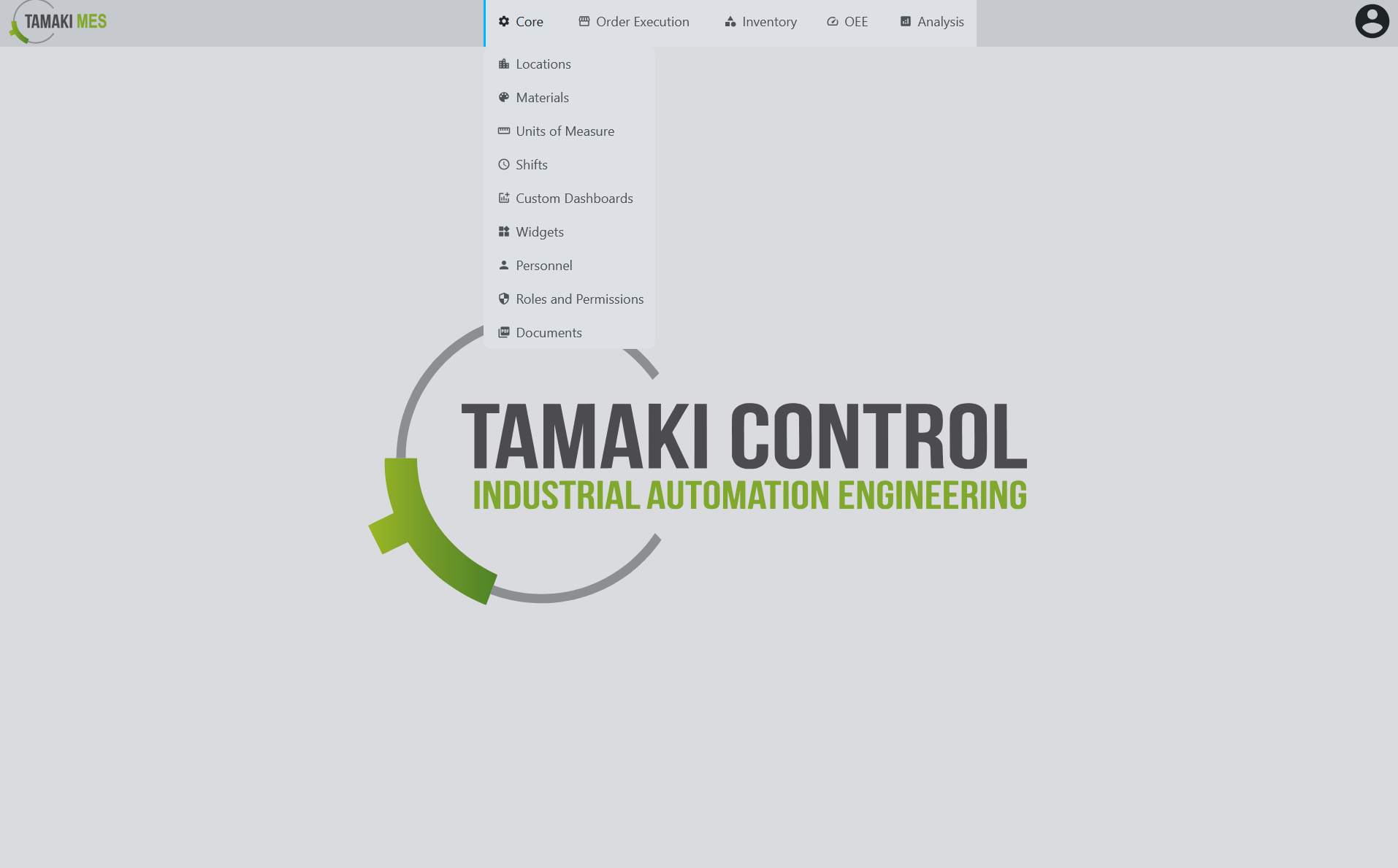
- Locations: A hierarchical model of your physical or logical production footprint (sites, areas, lines, cells, equipment). Every other entity in the system attaches to a location.
- Materials: Material classes, materials, properties, and reason codes. The "what" that the rest of the system tracks.
- Units of Measure: Every quantity in the system is a number plus a UoM, with conversions defined centrally.
- Shifts: Configured pattern-based shifts for every location, with start/end times, day-of-week patterns.
- Dashboards: Customizable widget framework with preconfigured widgets, plus the ability to build and export your own.
- Personnel: Personnel management and a department hierarchy, linkable to Ignition users for accountability on every transaction.
- Security, audit, and API surface: Role-based authorization on every operation, optional audit-log integration, and the full
system.mes.*Script API. - Documents: versioned document store for work instructions, specs, and drawings; attach to materials, operations, or locations.
- Tag provider: the Tamaki-owned tag provider with runtime values for the rest of the system.
- Expressions: Tamaki's expression engine for calculated fields and triggers.
- Import / Export: CSV and JSON import/export for every entity type, so you can bulk-load a plant model or sync it from another system.
- Backup / Restore: Schema-aware backup and restore utilities.
Order Execution
Plan, schedule, and execute the work that turns raw materials into finished goods.
What you get:
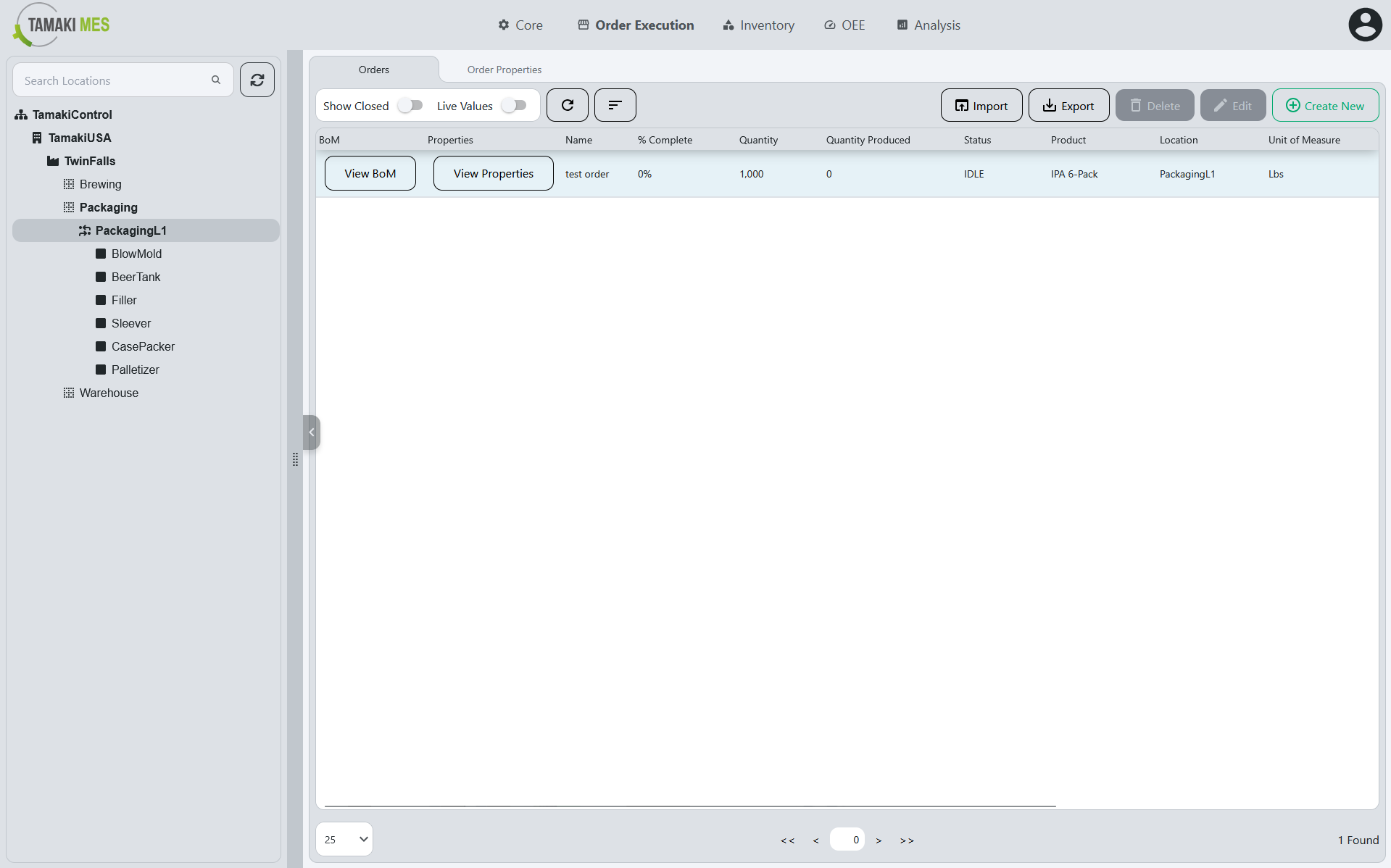
- Production Orders: Manufacturing orders with bill-of-materials, properties, and a state machine that tracks them from creation through completion.
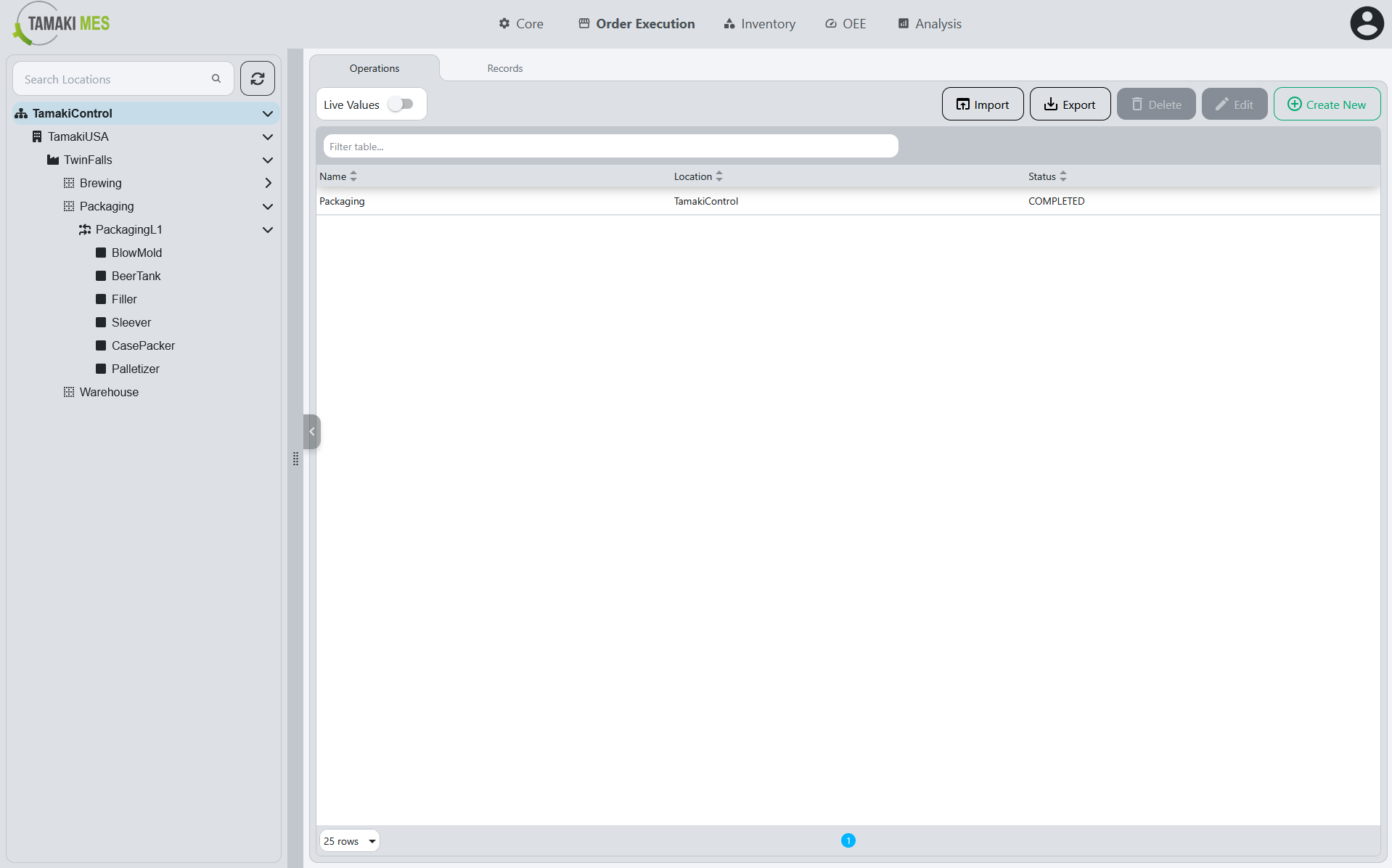
- Operations: The steps inside a production order. Each operation has its own execution state, so you always know which step on which order is running, paused, or done.
→ Read more: Operations User Guide
Inventory Management
Track every material lot, every transaction, and every link between them.
What you get:
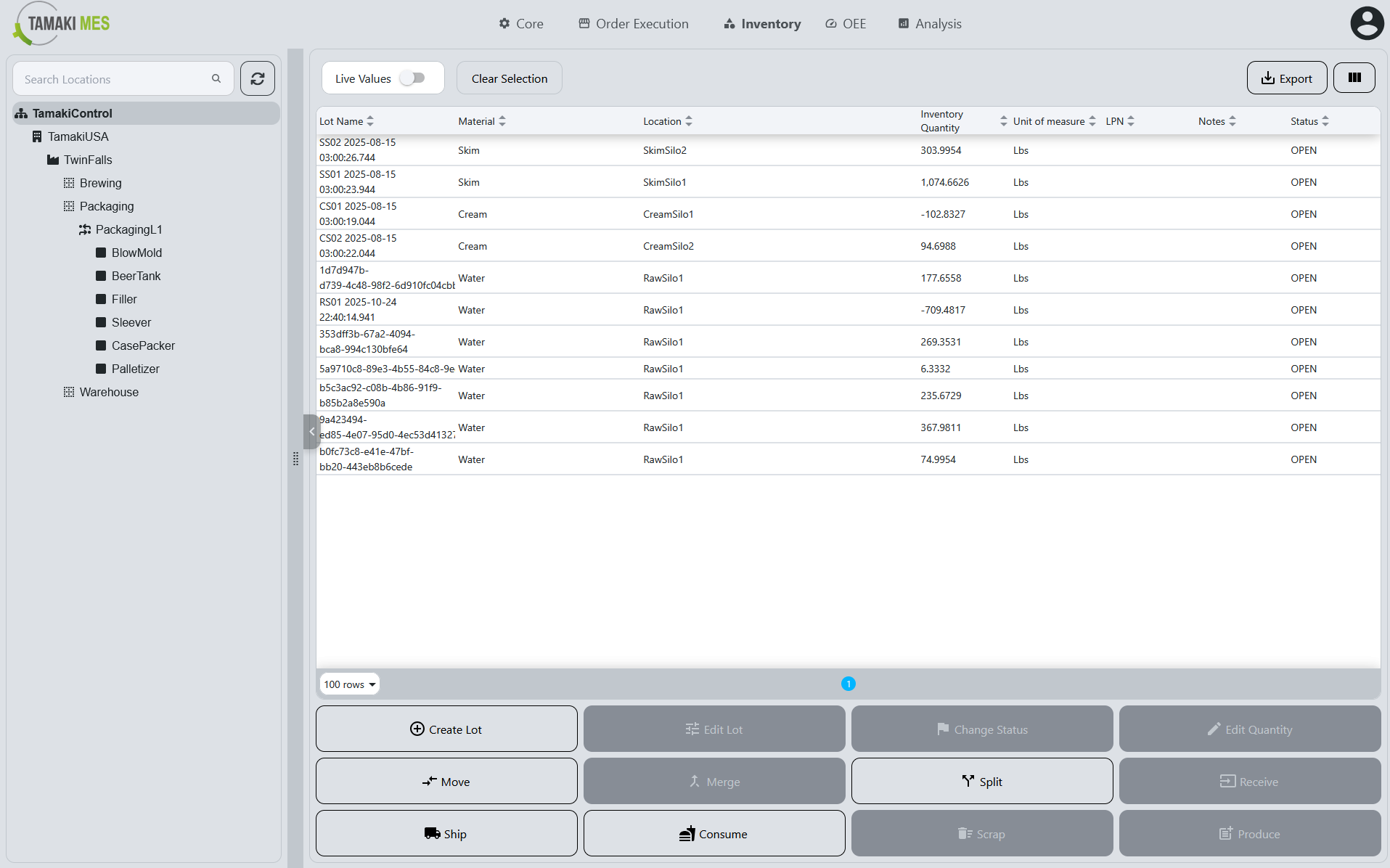
- Inventory Management: Inventory is a first-class entity in the system, with lots, transactions, and links between them.
- Inventory Operations: Configure rules for how lots are moved around the plant, and how they are tracked. Can be used to automate all inventory transactions.
- Track & Trace: Directional genealogy graphs answering "where did this lot come from?" and "where did this lot go?" Built from the same transactions you make every day, so you get traceability for free as you operate.
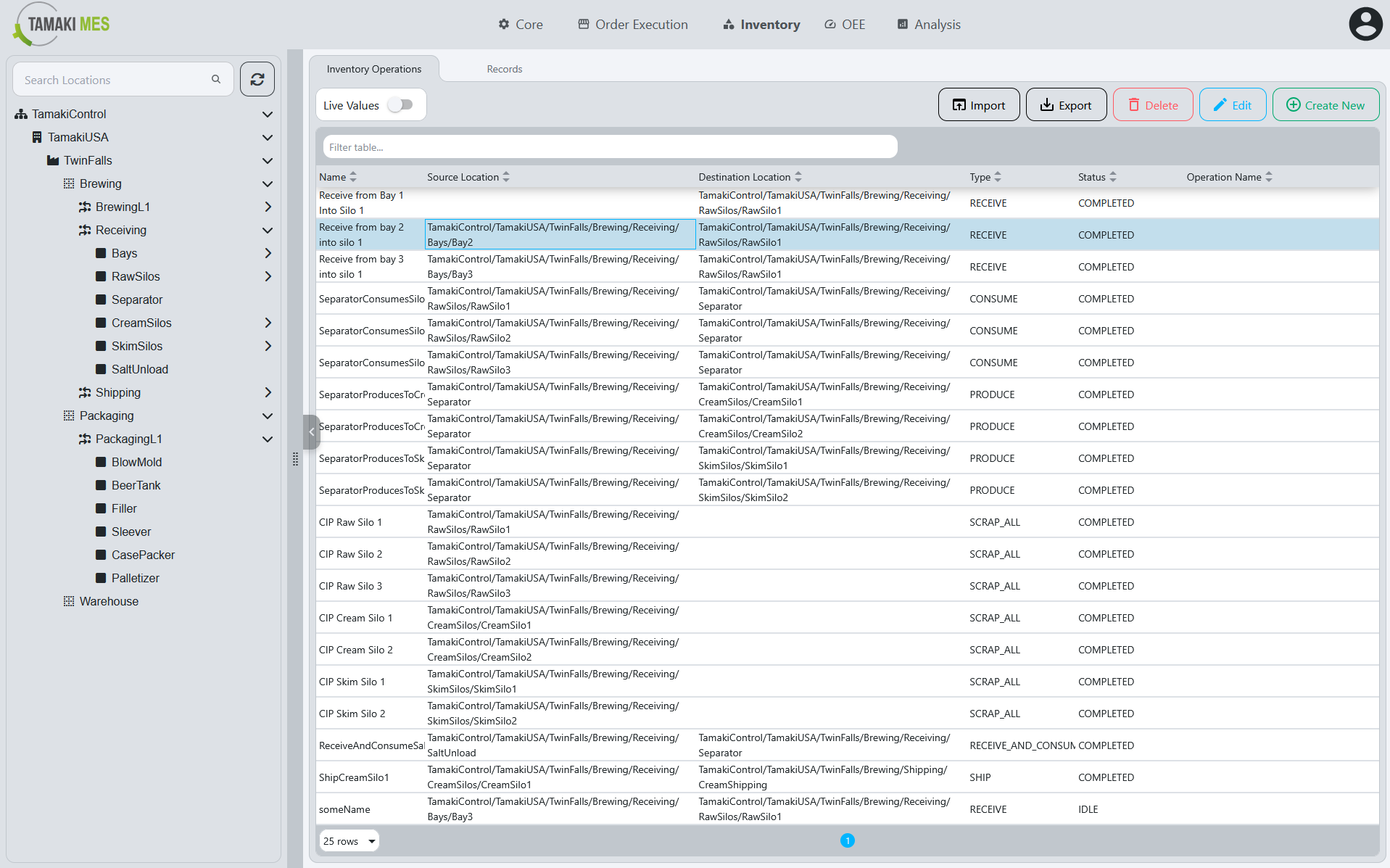
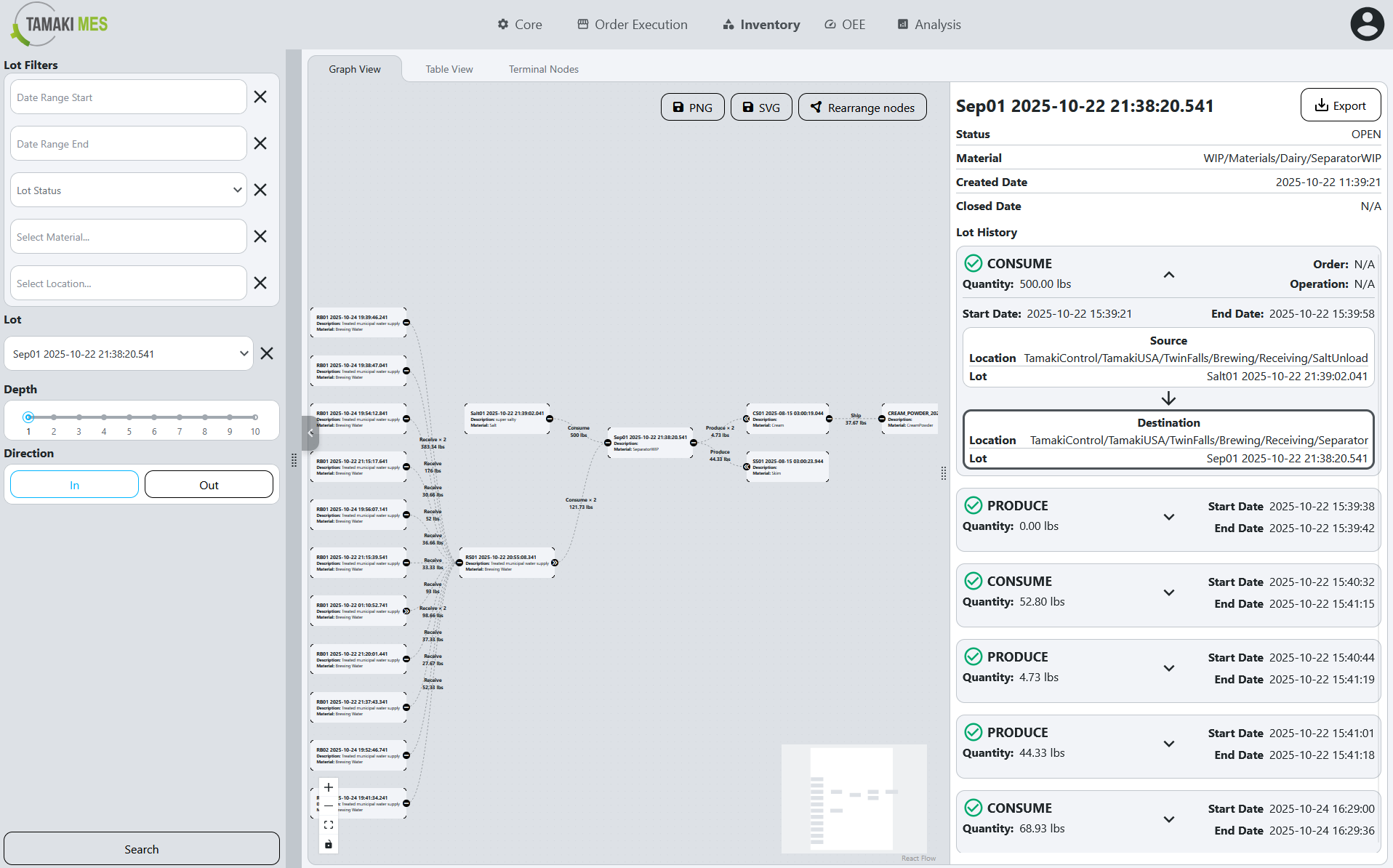
→ Read more: Inventory Operations Guide · Track and Trace Guide
OEE & Performance
Measure Overall Equipment Effectiveness with the precision your equipment actually deserves.
What you get:
- Availability: Full downtime tracking, including planned and unplanned downtime.
- Performance: Real-time production tracking and analysis.
- Quality: Real-time waste tracking and analysis.
- Downtime reason trees: Hierarchical reason codes so operators can pick the right category quickly and analysts can roll up by cause.
- Alarms: Leveraging Ignition alarming to tie in alarms with downtime tracking.
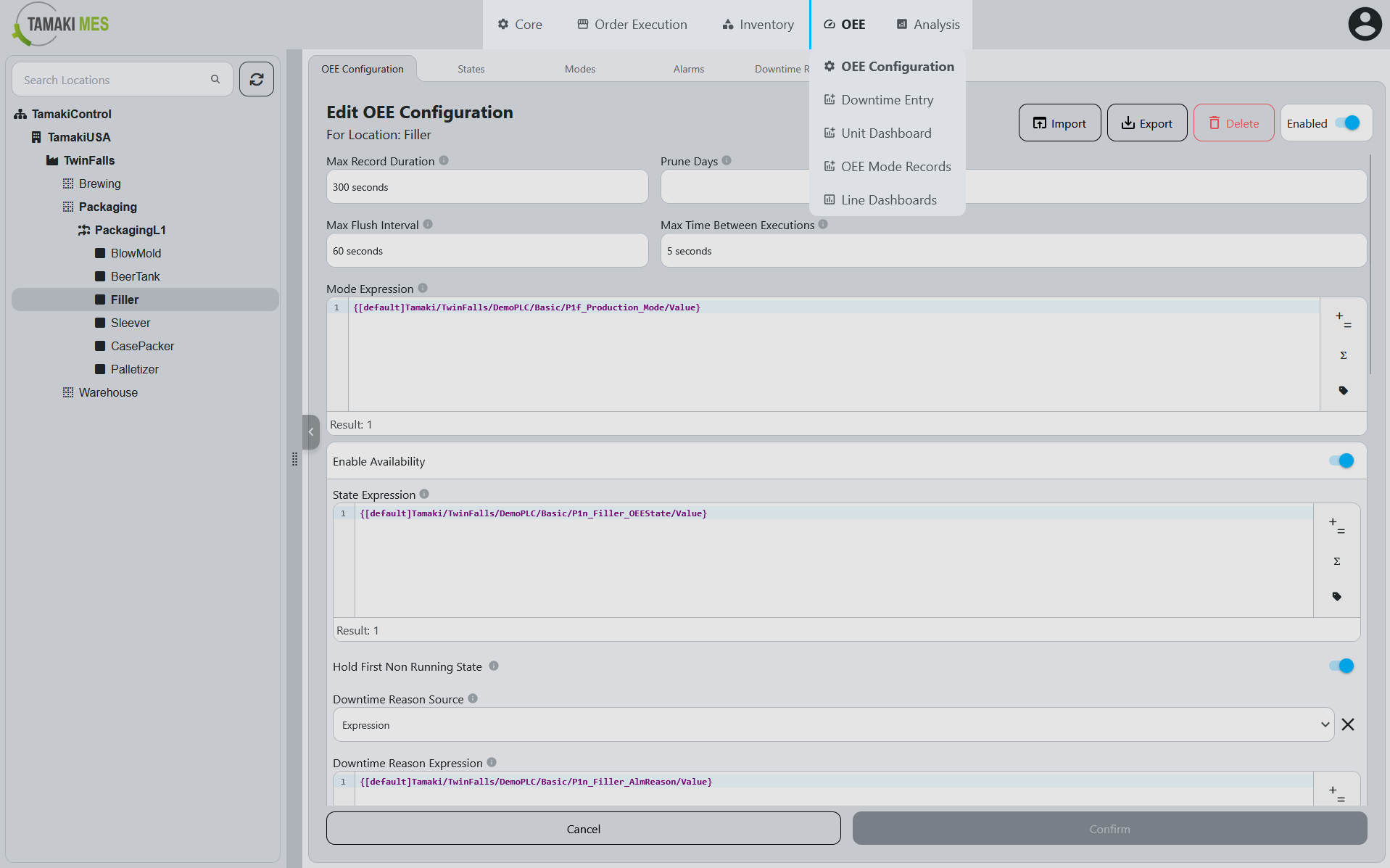
→ Read more: OEE Guide · Alarm Guide
Next step
System Requirements: what you need on the gateway and database side before you install.